Free
$0
- QR menu in Turkish and English
- Up to 50 products, photos included
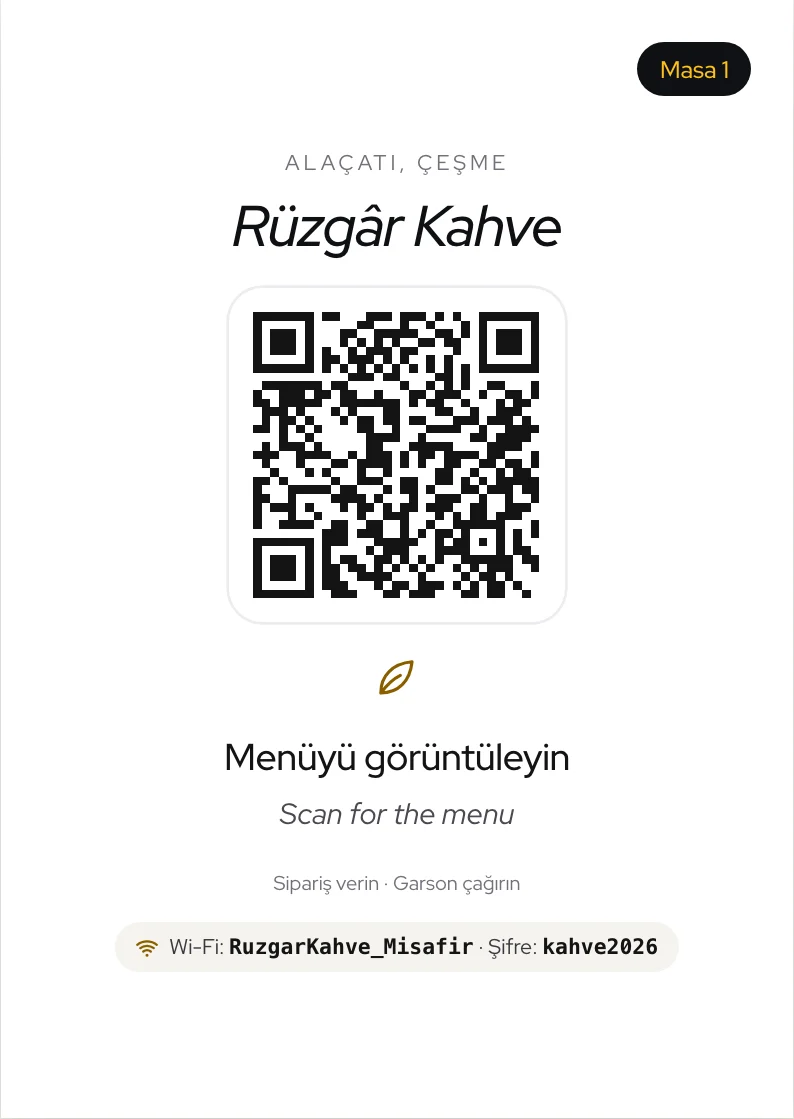
- Table QR cards
- 1 venue per account
- “Made with eatibar” badge on the menu


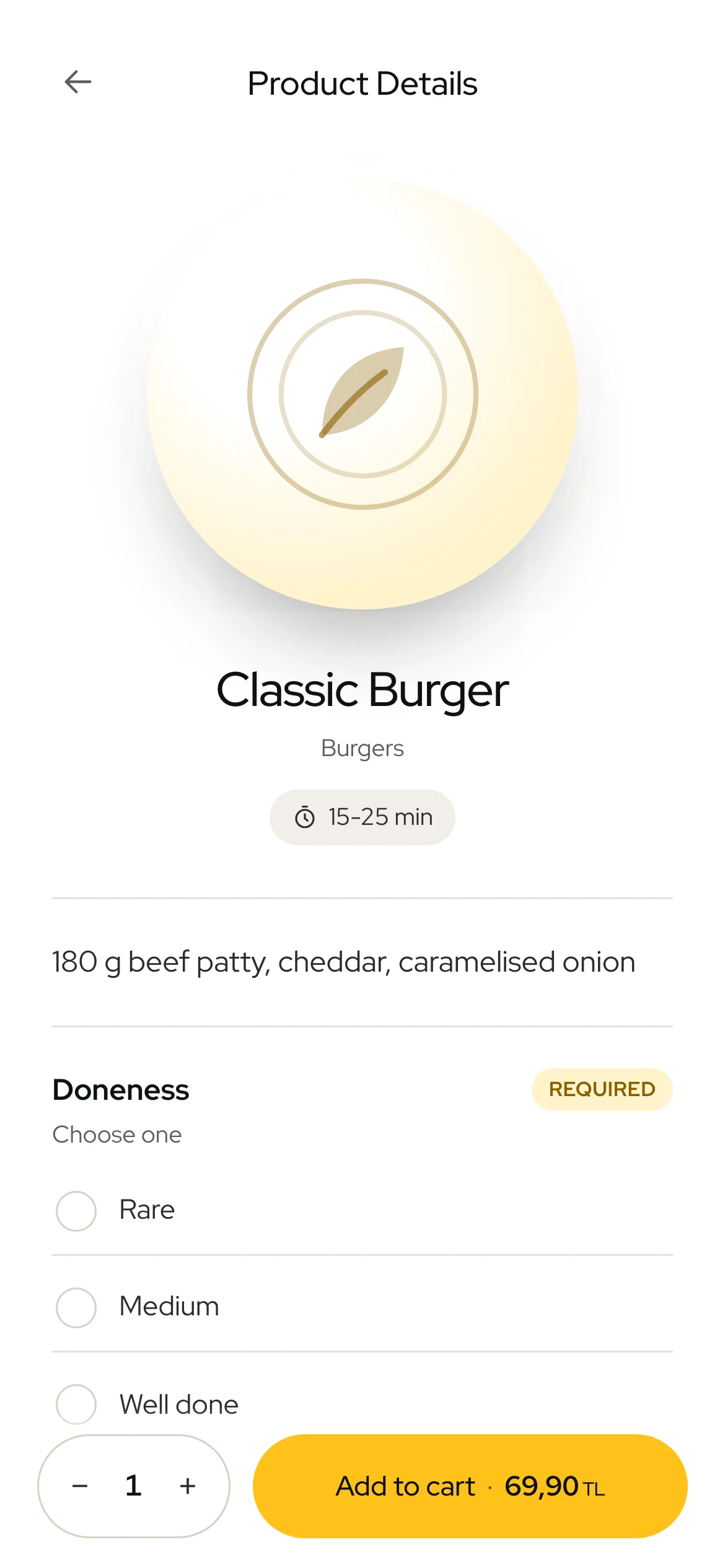
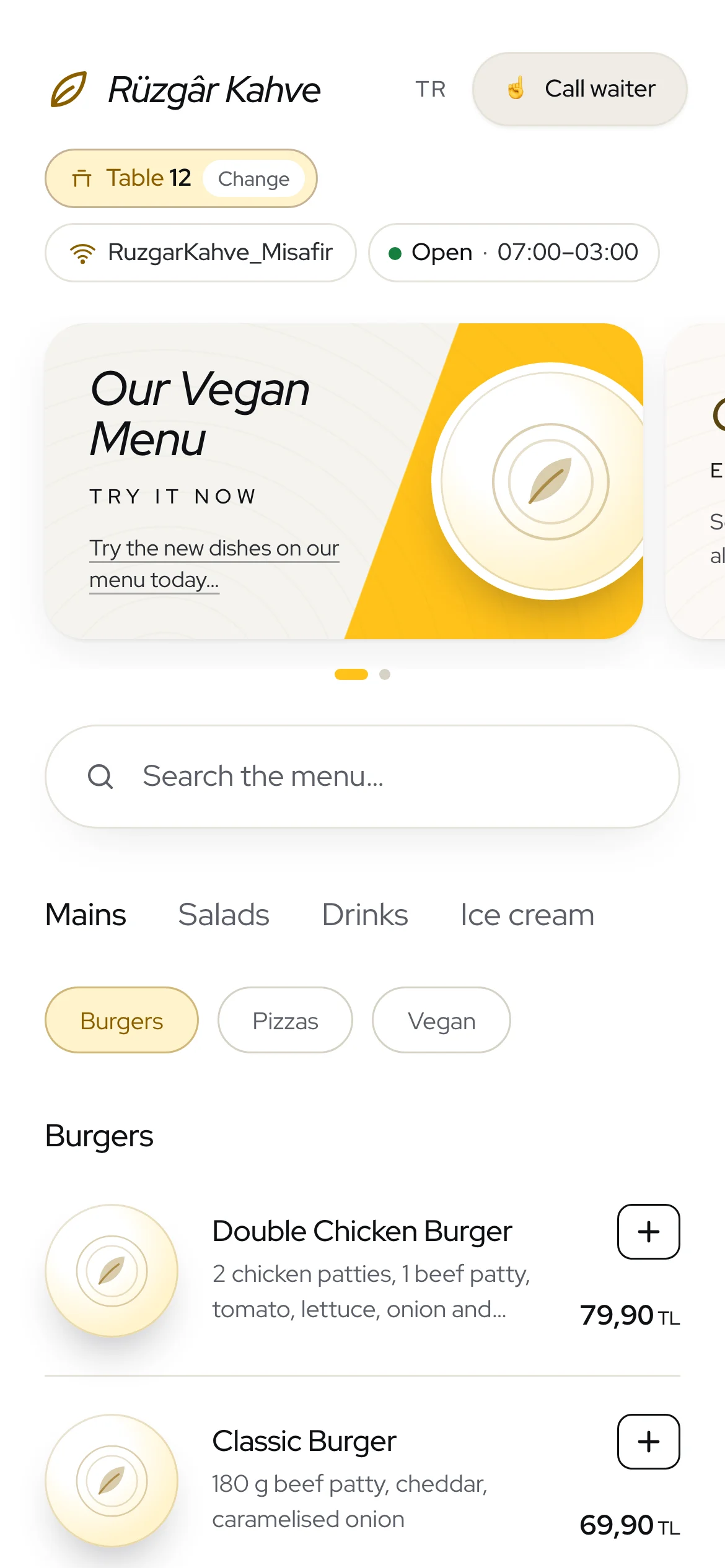
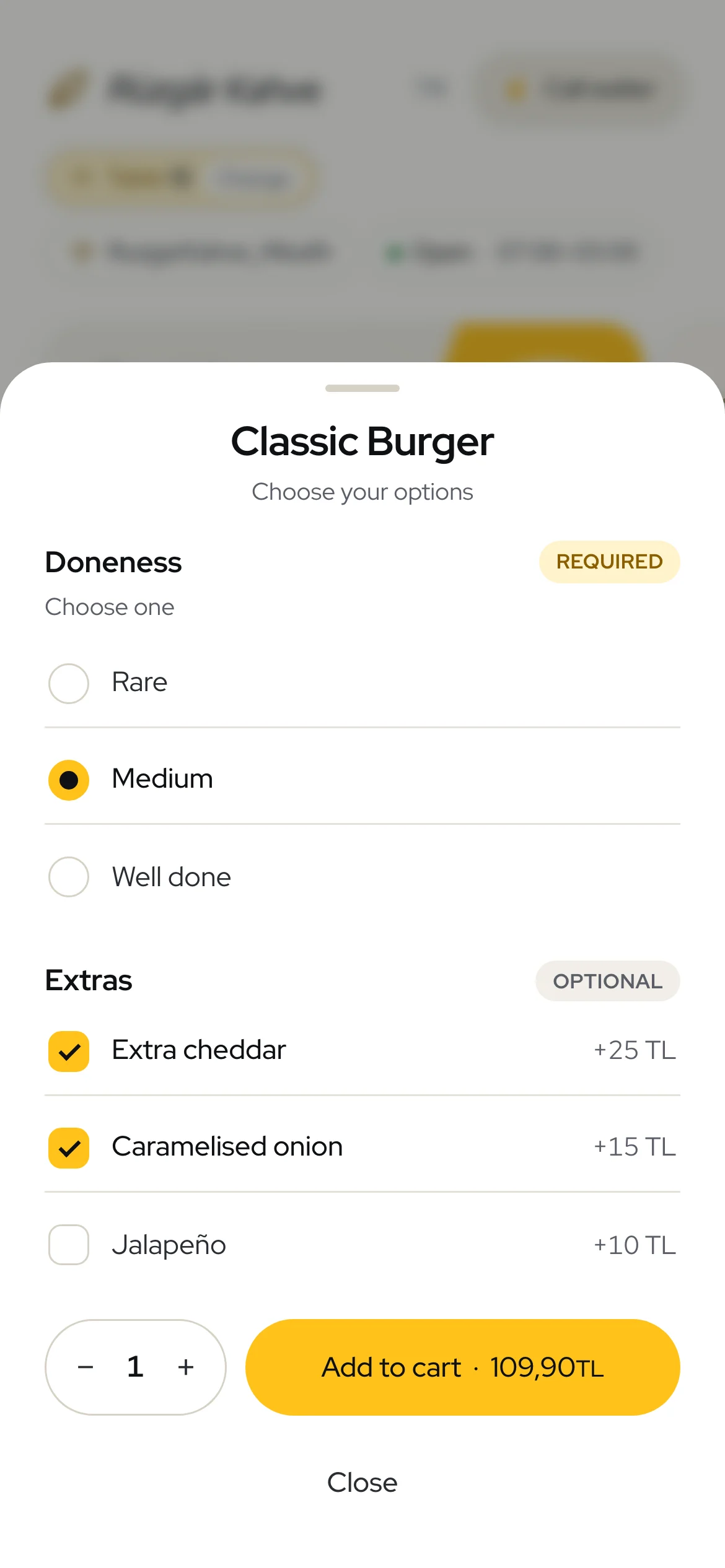
Menu, ordering, waiter calls and Google reviews. No app to download.
Call waiter
Guests call a waiter or ask for the bill, including whether they’ll pay cash or card. Your waiter brings the card reader.
See it in the demo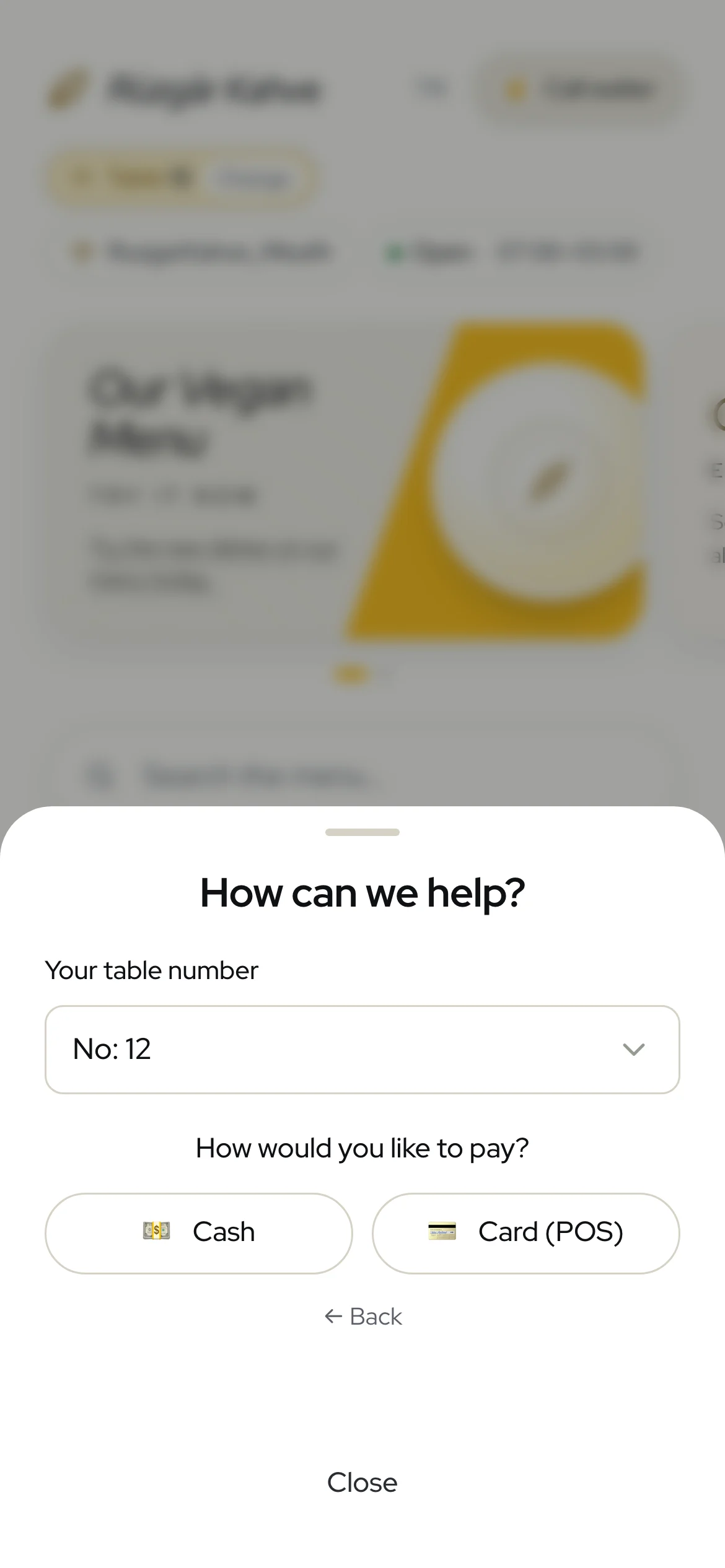
Reviews
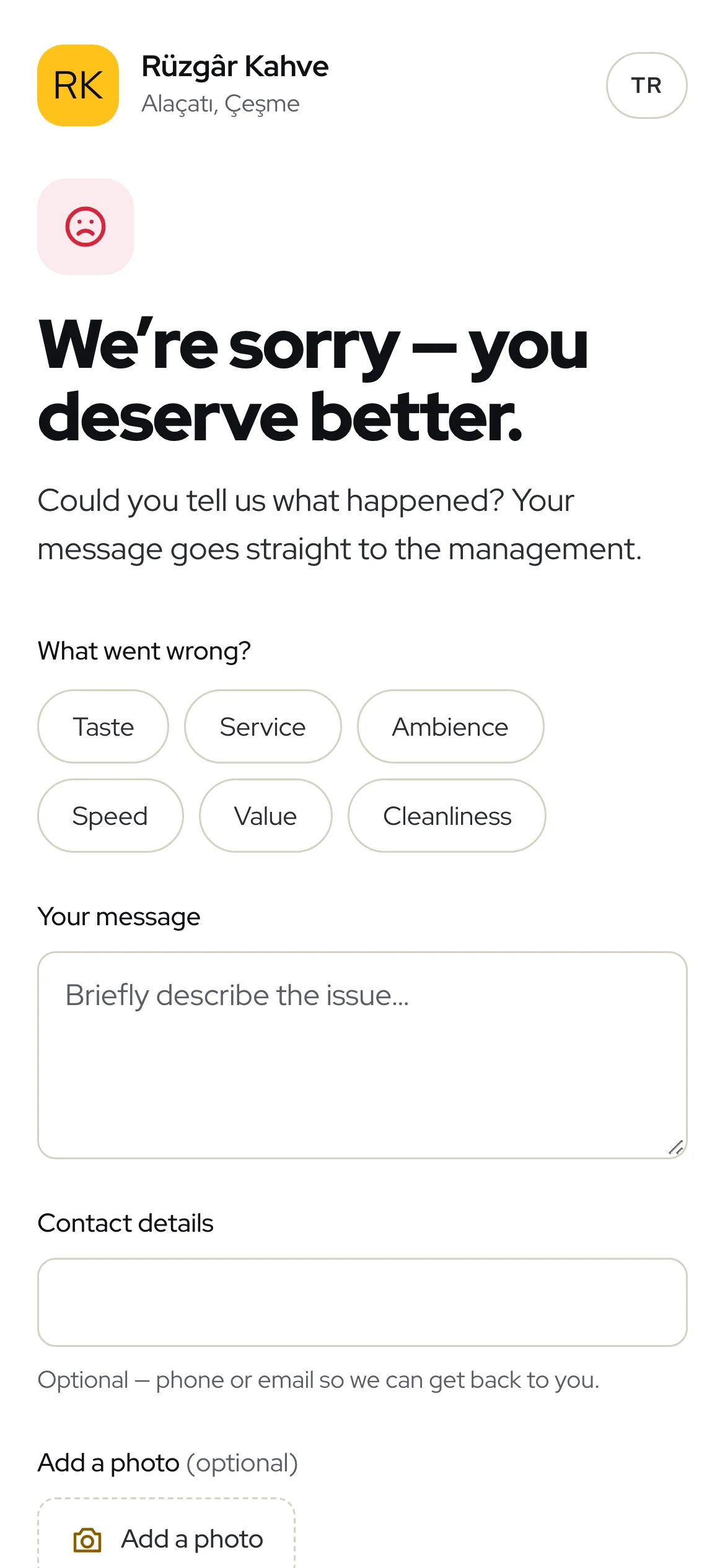
A 1–3 star message lands in your WhatsApp and dashboard. Happy guests leave a Google review in one tap.
Rate your experience
Pick a rating above.
Any guest can still leave their rating on Google directly; the link is shown on every screen.
Dashboard
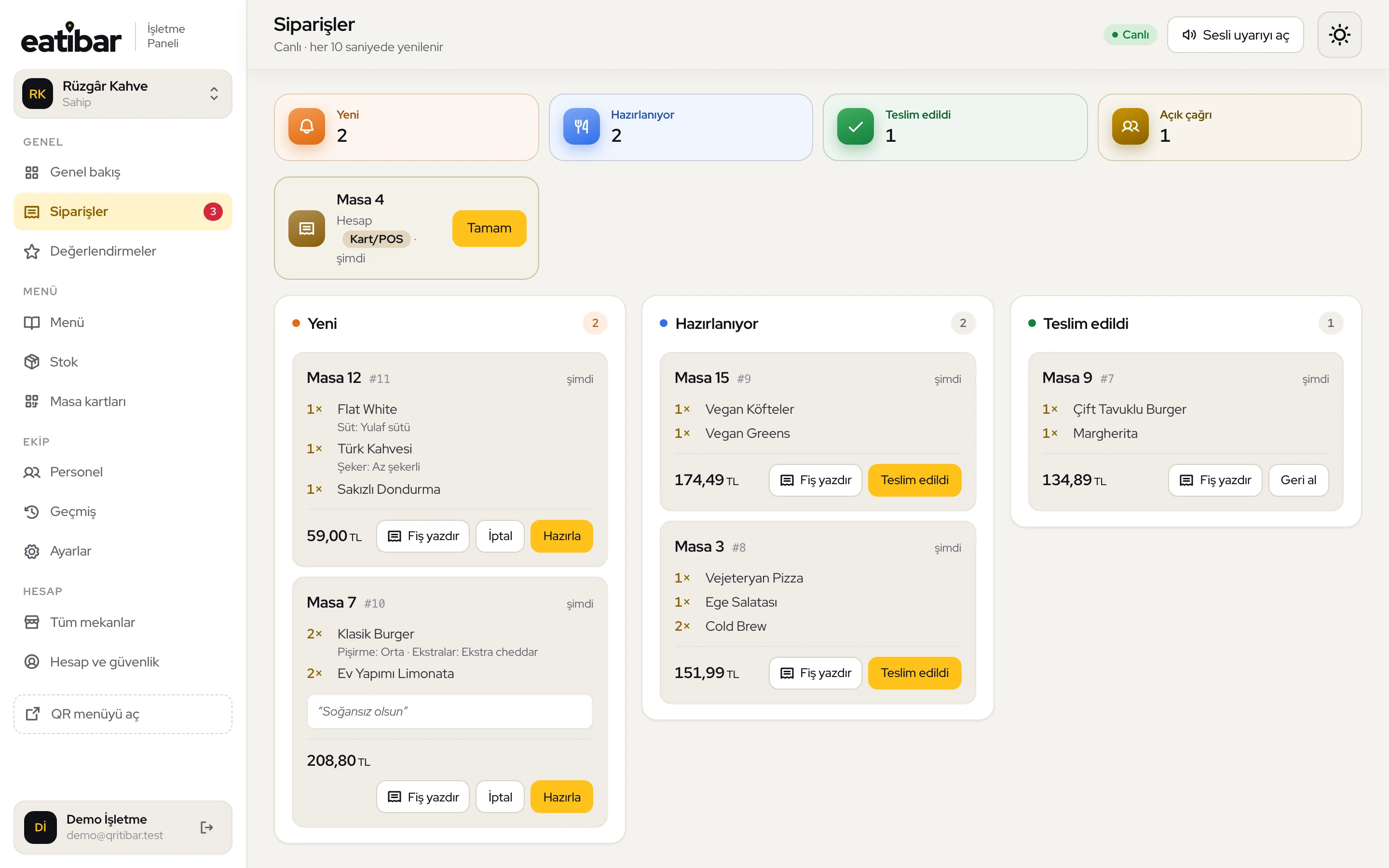
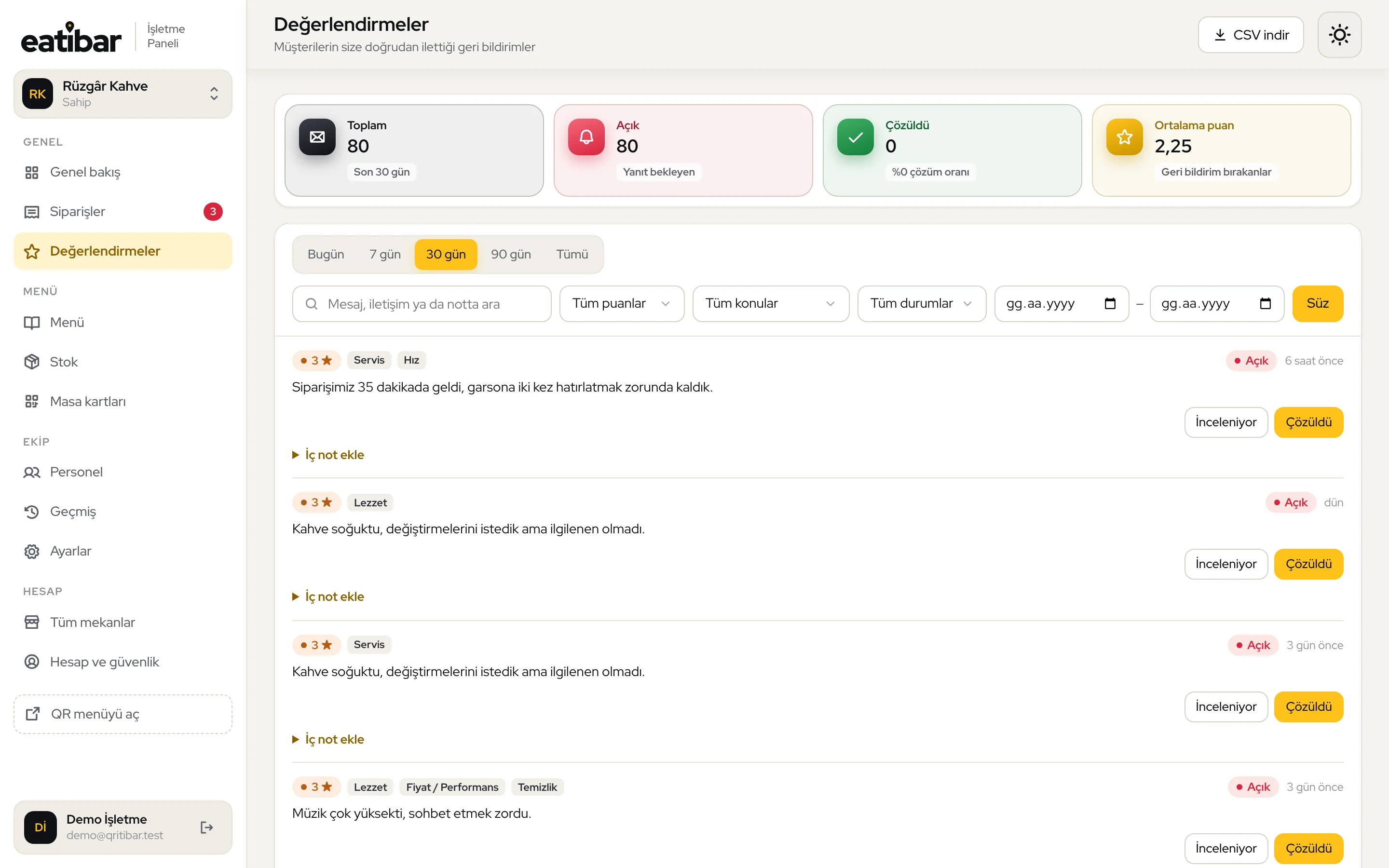
New orders arrive with a sound. Preparing, served, cancelled; print an 80 mm receipt in one click.
See it in the demoPlans are per venue. Every new venue starts with a 14-day Pro trial, no card needed.
$0
14 days free
No. Scanning the QR code with the phone camera is enough; the menu, ordering and rating open in the browser. No sign-up either.
Yes. Sending only happy guests to Google (“review gating”) is against Google’s rules, so guests who give a low rating always see the link to review you on Google too. We simply highlight the option to write to you directly.
Yes. Price, item and “sold out” changes in the dashboard appear on the QR menu as soon as you save. No need to reprint the QR code.
We don’t change your rating and can’t guarantee results. Guests who scan the table QR and are happy get one tap to your Google review screen, so satisfied guests who wouldn’t normally write a review are heard on Google. Guests with a problem can write to you first, giving you a chance to fix it at the table.
In venue settings you can set between 0 and 500 tables; guests pick their table from that list and numbered QR cards are printed to match. If you leave it at 0, guests type their table number themselves and there is no limit.
Guest screens are available in Turkish and English. You enter your own item names and descriptions.
Creating an account and adding your venue takes a few minutes. You start from a ready-made menu template and enter your items and prices, then print the table QR cards on A4 from the dashboard. The total time mostly depends on how long your menu is.
There is no POS or till integration yet. Table orders appear on the live order board in your dashboard, where you can update their status and print them as 80 mm receipts. Payment is taken at the table as usual; we don’t touch your existing till.
Orders and waiter/bill calls appear on the live board in your dashboard with a sound alert. You can also get WhatsApp notifications if you like.
No. You can turn ordering off and use the QR code just for the menu and ratings; the “Call waiter” button can be switched on or off separately.
Opening an account takes a few minutes. No card required.